
Responsive Design for Beginners(Ultimate Bundle)

Source: https://coder-coder.com/responsive/Imagine…
- You are not staring at an empty VS Code editor but know exactly how to start and which files to create.
- You can transform a design from Figma into a website that looks great on all devices.
- You use Sass capabilities: modules, mixins, variables, and much more.
- You clearly understand when to use flexbox and when to use grid.
- You don’t write “spaghetti code,” but organize SCSS files in a way that you can understand them even months later.
- And most importantly, you understand how CSS works, including its strange and sometimes frustrating features.
Sounds great, but how do you get there?
Hello! My name is Jess Chan.
In this course, I will show you how a professional developer thinks. Instead of a set of disjointed lessons, you will go step-by-step through the entire process: from a layout in Figma to a finished site with HTML, SCSS, and JavaScript. And most importantly, I will explain why I make certain decisions. It’s like having a senior developer sitting next to you, commenting on the entire process.
My goal is for you to gain confidence in CSS and feel comfortable working on any project, even if you have to tackle tasks you haven’t encountered before.
The course is divided into 3 levels: BASIC, PREMIUM, and ULTIMATE.
BASIC (22 hours)
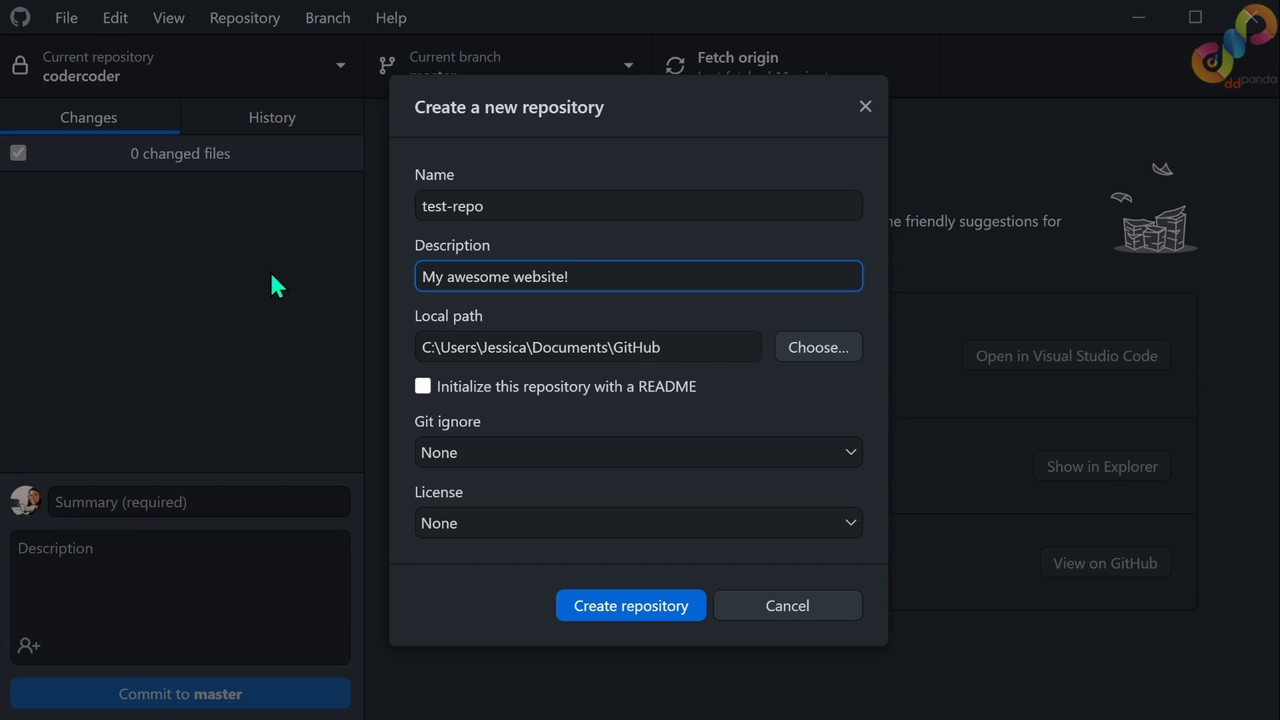
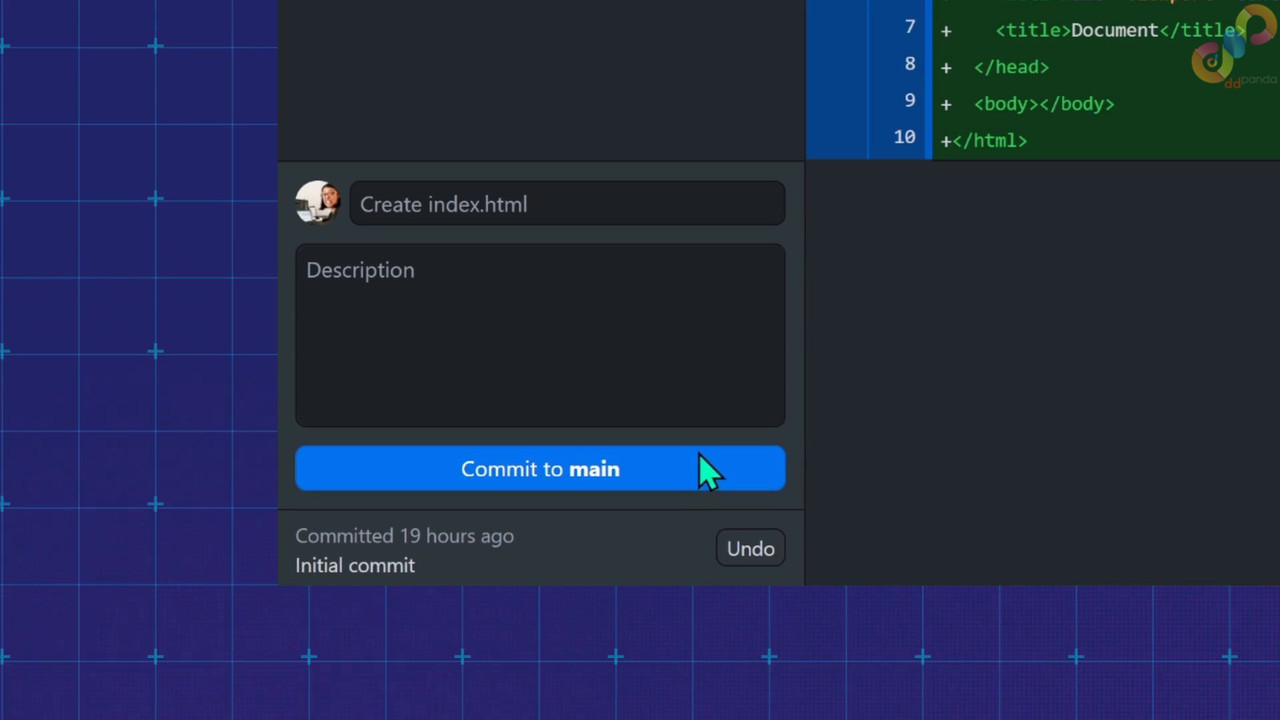
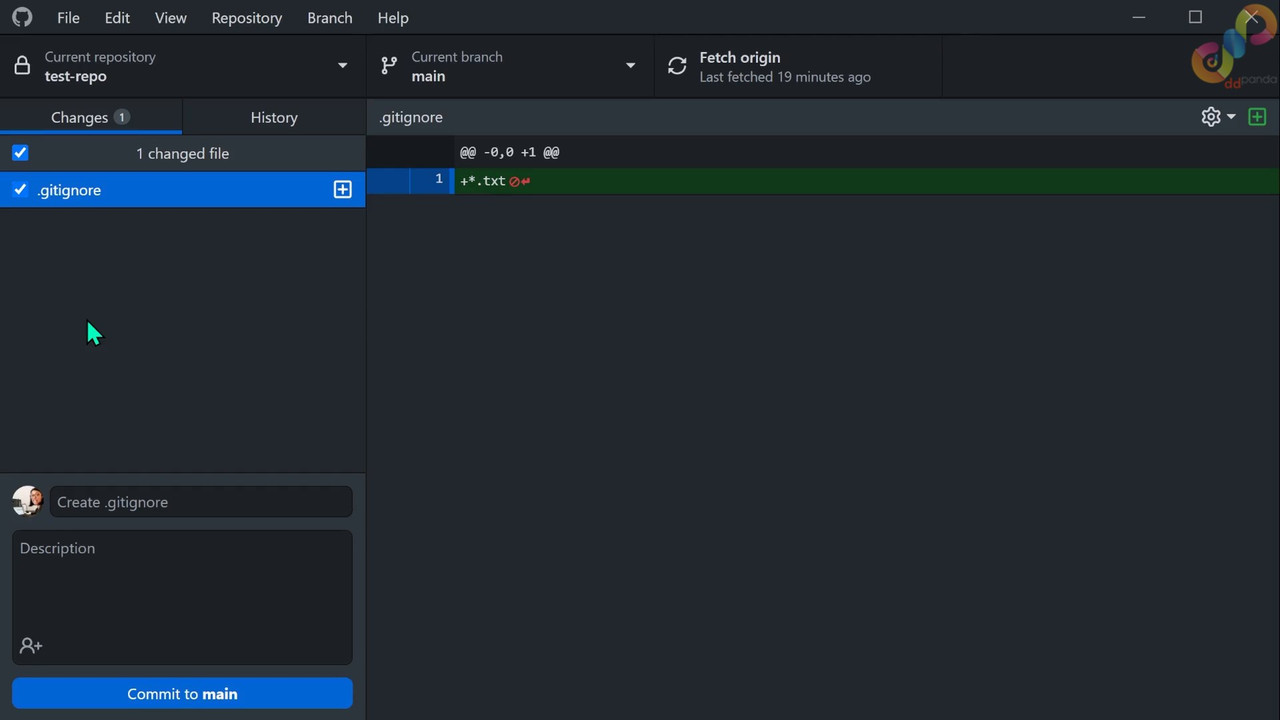
17 hours of introductory material: setting up VS Code, GitHub, a complete introduction to Sass/SCSS (a mini-course on its own).
5 hours of practice: creating a basic site perfect for beginners.
BASIC Topics:
- Semantic HTML tags
- Code organization: BEM, Sass partials, mixins, variables, utility classes
- CSS cascade
- Document flow: inline, block, inline-block, and their features
- Flexbox and grid
- CSS units: px, em, rem, %, vw, ch
- Responsive typography with clamp()
- CSS variables (custom properties)
- Responsive images: srcset and DPR
- Working with SVG and inline-SVG
- CSS animations: hover effects, transitions
- Backgrounds with linear-gradient()
- Math in CSS with calc()
PREMIUM (4 hours)
Continuation where we build more complex sections of a site.
PREMIUM Topics:
- Animated underlines and backgrounds for hover states
- CSS grid areas and named grid lines
- SVG forms
- Absolute positioning of elements
- Alternating blocks with nth-child
- Pseudo-elements ::before and ::after
- Form styling
ULTIMATE (6 hours)
The final block with more advanced techniques and JavaScript.
ULTIMATE Topics:
- Responsive burger menu with animation and accessibility
- Overlay contexts and z-index
- Color themes based on CSS variables
- Building a block grid with grid, auto-fit, and minmax()
- Overlapping elements with grid and absolute
- object-fit and object-position for images
- Effects with mix-blend-mode
- Basics of Node, npm, package.json
- Compiling Sass using Vite and JS modules
In the end, you will step-by-step create a real responsive website based on a Figma layout and gain experience as close as possible to the work of a professional front-end developer.

If you like the tutorials, please do support the author. Use code: PP9846 to get the ultimate bundle for $23 (tax incl.)
Download Links
Password: cms.ddpanda.org
Related Courses & Lessons
Keep learning from this topic

Complete VUE JS Developer Course – Vue 2 and Vue 3
Master Vue.js 2 & 3 with Router, Pinia, API, Composition API & real-world projects for frontend developers

AI-Powered E-Commerce App with .NET 9, Angular 20 & RAG
Build a full-stack AI-enabled store with Semantic Search, Chatbot, and RAG integration using .NET 9, Angular 20 & Azure

Build AI-Powered Full-Stack & MERN Stack Apps
Build AI-Powered Full-Stack & MERN Apps (MongoDB, Express, React, Node.js, React, MCP, AI Tools, Django)

Build AI SaaS: Laravel, Serverless, Polar pay, Docker & Vue3
Master Laravel, RunPod: Build an AI SaaS with Docker, Vue3, and Serverless GPU. Learn Cost-Tracking, Webhooks, Payment


Ultimate Next.js 15 Course
Enter the new era of React. Here’s a little known fact. 17% of the top 1 million websites use Next.js....