
Building Fluid Solvers For Visual Effects and Houdini (Part1)

Source: https://www.cgcircuit.com/tutorial/building-fluid-solvers-for-visual-effects-and-houdini-part1Part 1 of this series is your entry point into the world of simulation programming. We’ll begin with the math behind the magic: the essential calculus and linear algebra required to understand and build fluid solvers from scratch.
But don’t worry—this isn’t a dry, academic math course. This is fluid simulation math made simple, even if you only remember a bit of school-level math. We’ll build up from the ground—starting from what a function is, all the way to partial derivatives, divergence, curl, and the vector calculus that powers every smoke, fire, and water sim you’ve ever seen.
By the end of this course, you’ll understand the mathematical language used by simulation professionals—and be fully prepared to move into Part 2, where we begin building a solver using pseudocode and Houdini microsolvers. What You’ll Learn – Chapter Breakdown
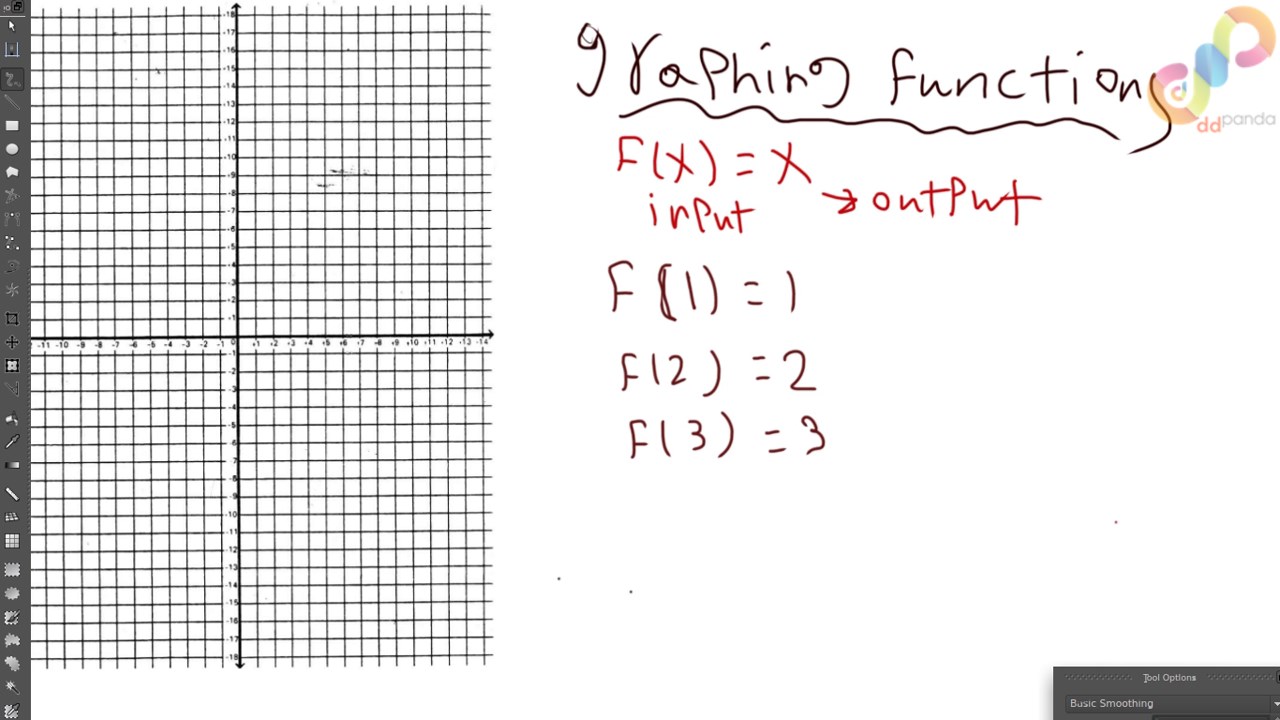
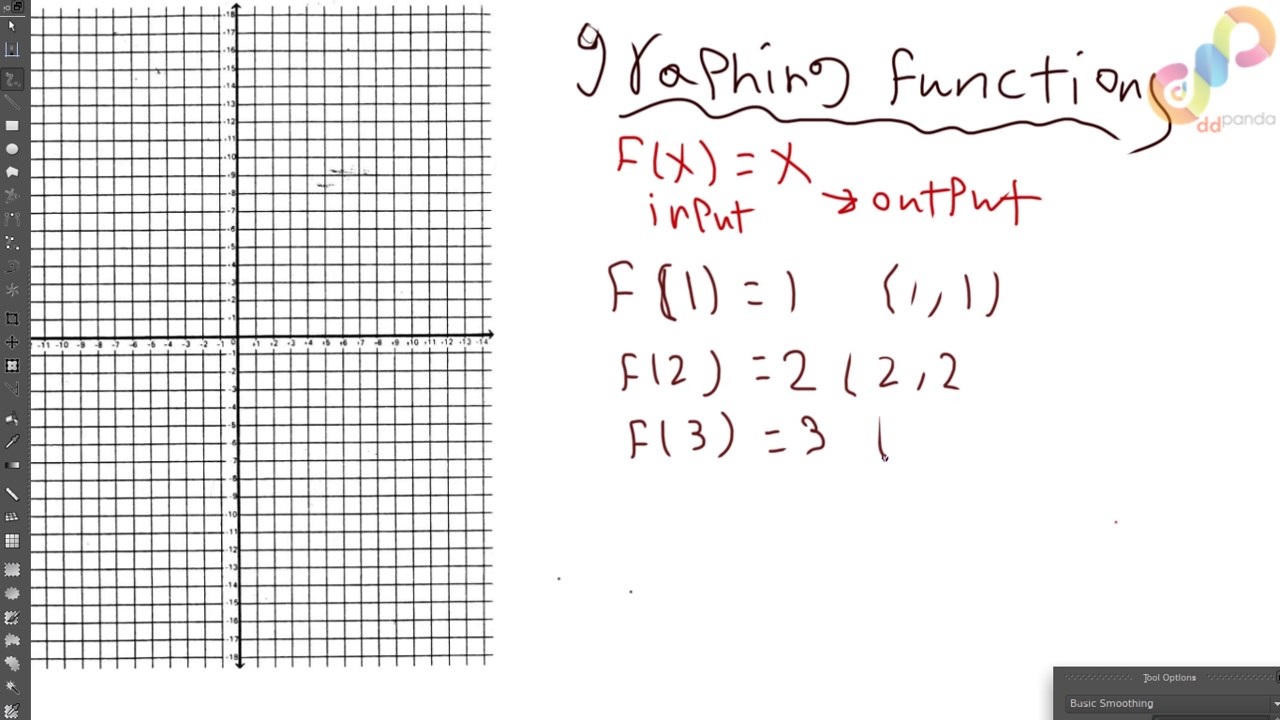
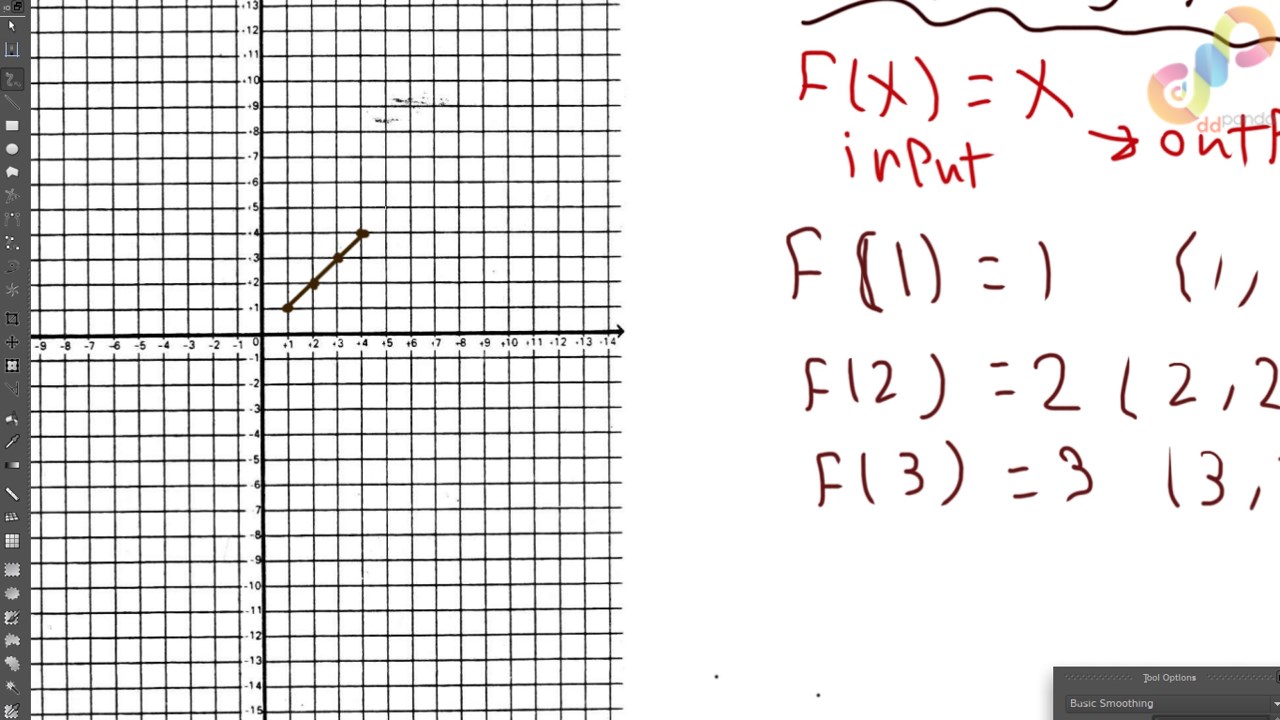
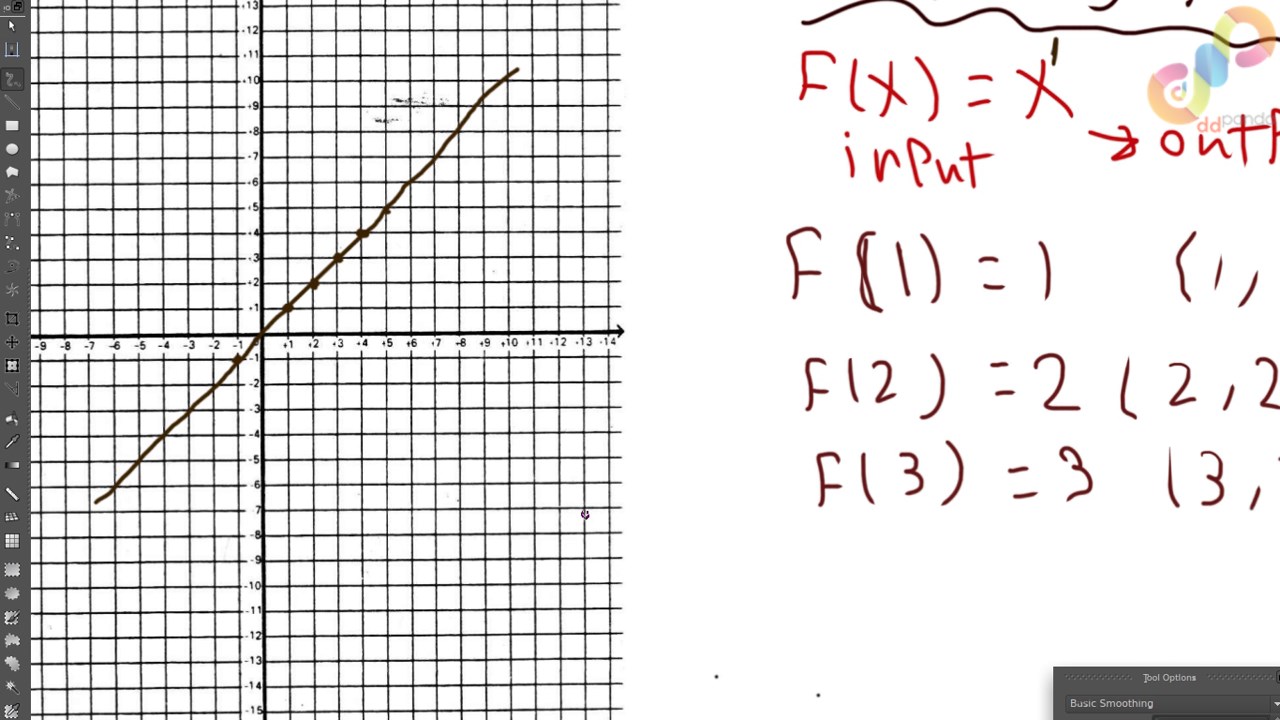
Chapter 1: Differential Calculus We’ll begin with Calculus 1 basics. What is a function? What’s a derivative? How do we compute them? We’ll go through common differentiation techniques with plenty of examples.
Chapter 2: Integral Calculus We’ll cover integration as the reverse process of differentiation, and practice multiple integration techniques needed in simulation physics.
Chapter 3: Multivariable Calculus & Core Math for Simulations This is where things get real. You’ll learn how to differentiate and integrate multivariable functions, and we’ll explore the most essential derivative operators in fluid simulation:
- Gradient
- Divergence
- Curl
- Laplacian
- …and more.
We’ll also introduce the linear algebra concepts you’ll need—nothing too advanced, just what matters for your solver. Important Note:
Building a full-featured solver like Houdini or RealFlow takes years of R&D and a large development team. This course doesn’t aim to replicate that—but it gives you the keys to enter the field. Whether you want to write your own simulation tools, better understand how solvers work, or grow as an FX TD, this course is your first step.
Who is this for?
- FX artists and TDs who want to understand the math behind the tools
- Technical artists interested in solver development
- Aspiring simulation programmers
- Curious learners who want to go beyond presets and black boxes
Download Links
Password: cms.ddpanda.org
Related Courses & Lessons
Keep learning from this topic

Class101 – Horror Creature Design with Deadly Melodic
In horror films, as well as fantastic horror games, there are many monsters sprinkled throughout. Sometimes those terrifying but phenomenal...

Pro Tsunami Simulation | Houdini Tutorial
This is a large-scale tsunami scene tutorial in Houdini, a comprehensive big case with a lot of FX elements. It...

VEX in Houdini
An 8-week course on mastering the power of VEX in Houdini; learn to create sophisticated tools that leverage the latest...

Stylized Arabian Market Environment Course For Blender
A complete Blender training course and resource pack for artists who want to turn a simple blockout into a warm...
![Cinema4d Quick Tips [Update] | 시네마포디 퀵 팁 [업데이트]](https://cdn.ddpanda.org/wp-content/uploads/img_698ca51ad6dd47.07826171-768x431.jpg)

ArchiTech Network – Rhino + Grasshopper Masterclass bundle
The bundle demonstrates how Rhino and Grasshopper can be used to model, test, and develop architectural projects through practical, industry-focused...