
Auto Blendshape Transfer Different Topo

Source: https://www.cgcircuit.com/tutorial/auto-blendshape-transfer-different-topo?overviewTabMany Facial Rigging Vendors and Studios charge thousands of dollars to create a high level facial rigs either from scratch or to transfer multi-blendshape expression rigs to another character. We are going to change that!
In this training series you will learn the secret to transferring blendshapes across different topology characters. We’ll cover migration methods similar to those used at the top studios behind Unreal MetaHuman, Ziva Dynamics Face Trainer, Snappers Facial Rig, PolyWink Transfer, and more. Too many Studios fall into a single topology asset pipeline limiting art direction and character flexibility. While similar topology presents advantages where we can reuse items like models, textures/shaders, and skinweights; this surrounds us in a box that’s hard to escape when one of our characters has a unique facial element like a horns or asymmetry.
What if there was a way to create your Blendshapes for one character and then easily transfer to multiple characters and overcome that limitation?
We would be able to focus on building a strong base shape library. Imagine the difference between creating five characters each with 50 blendshapes manually versus creating 1 character and automatically transferring one set of 50 blendshapes to our remaining four characters.
We would save valuable Artist hours and most importantly reuse and recycle our shapes allowing growth of our expression library rather than always starting from scratch with a new character.
The most powerful advantage to this workflow comes from its 100% mathematical transfer without any UV Information or any Sculpting required. Regardless of an Artist’s skill level, they will be able to perform this operation freeing up your Specialized Artists, Leads, and Supervisors for more financially effective tasks.
Using this workflow we can easily transfer 50, 500, even 1000 blendshapes to multiple characters with a click of a button and cut down asset costs dramatically.
Let’s get started and change the way we forever think about Character Migration!
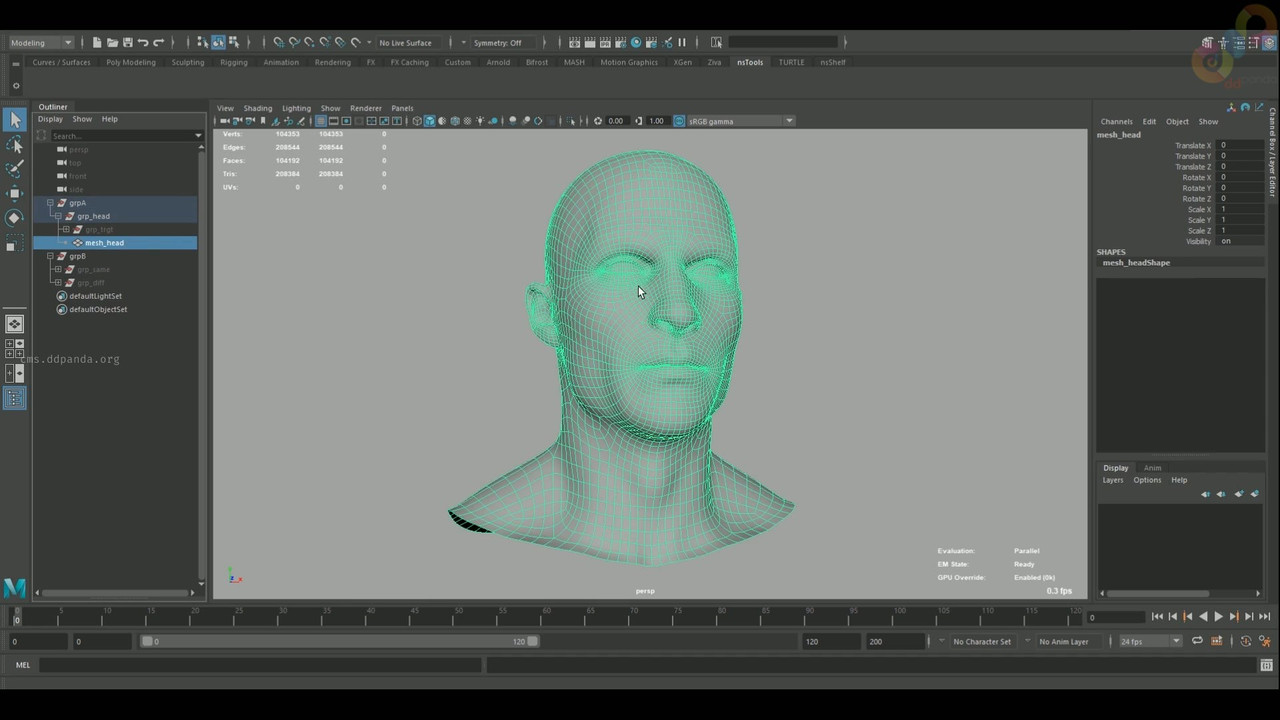
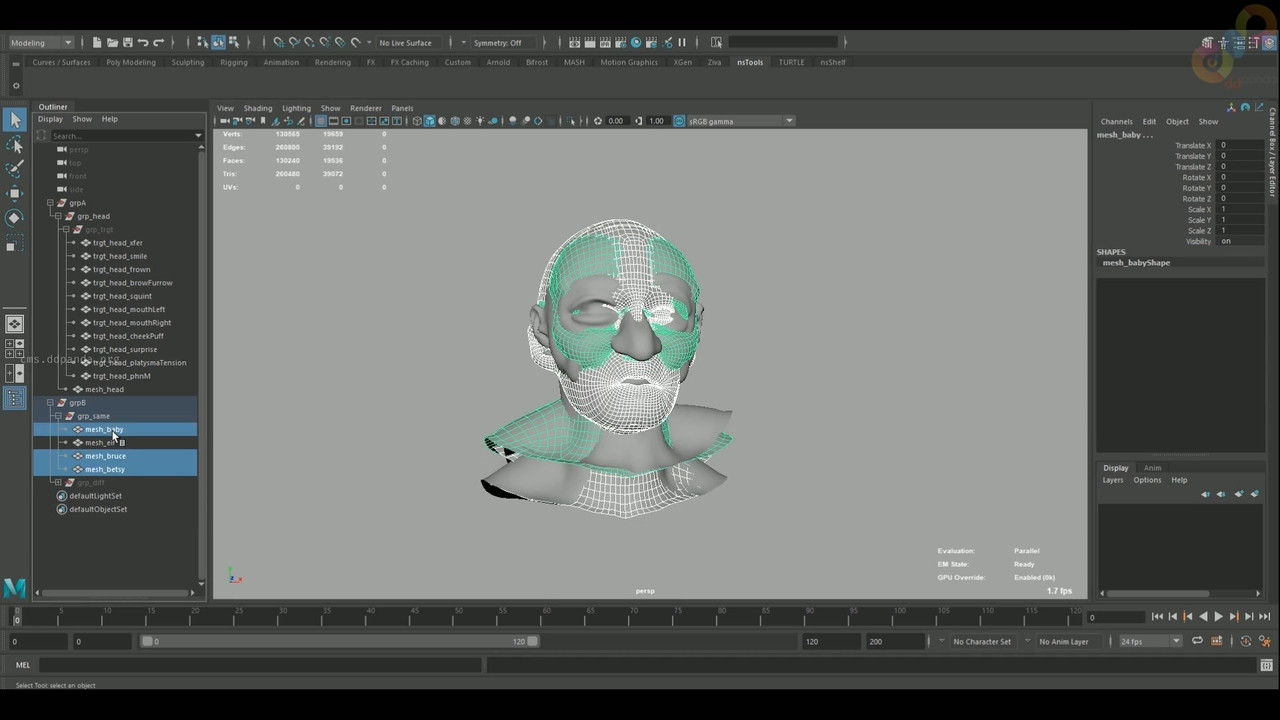
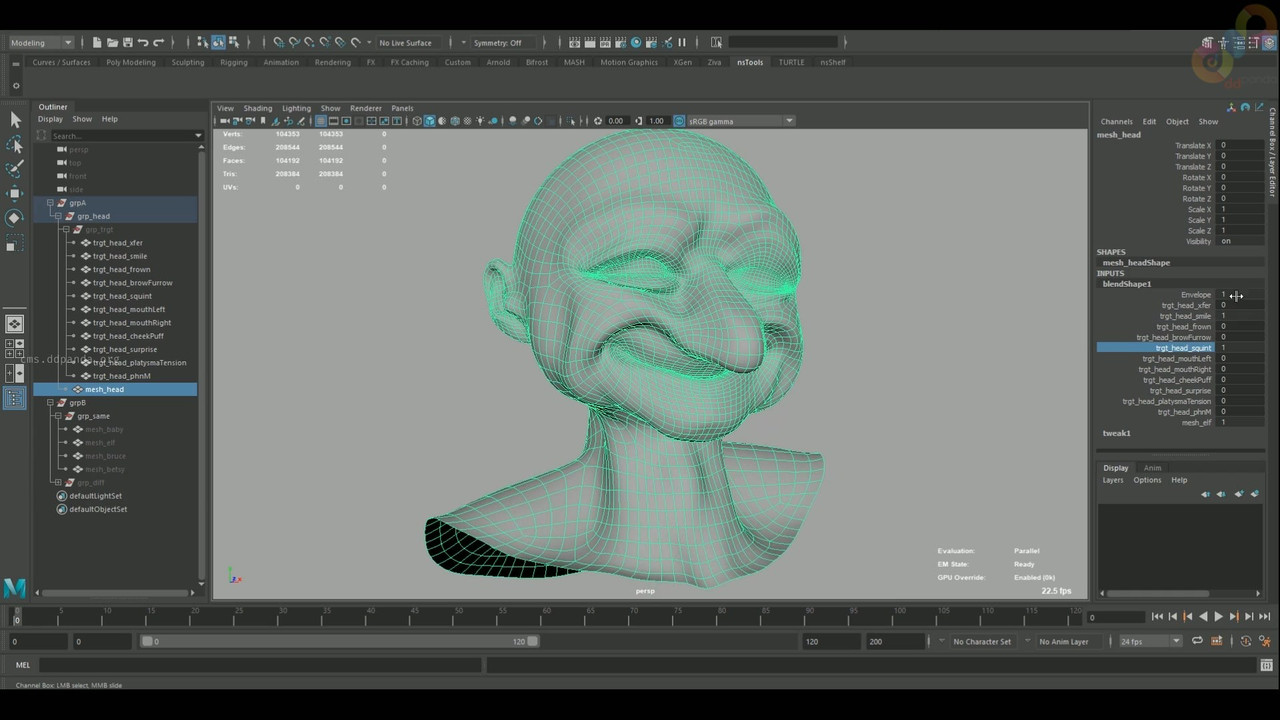
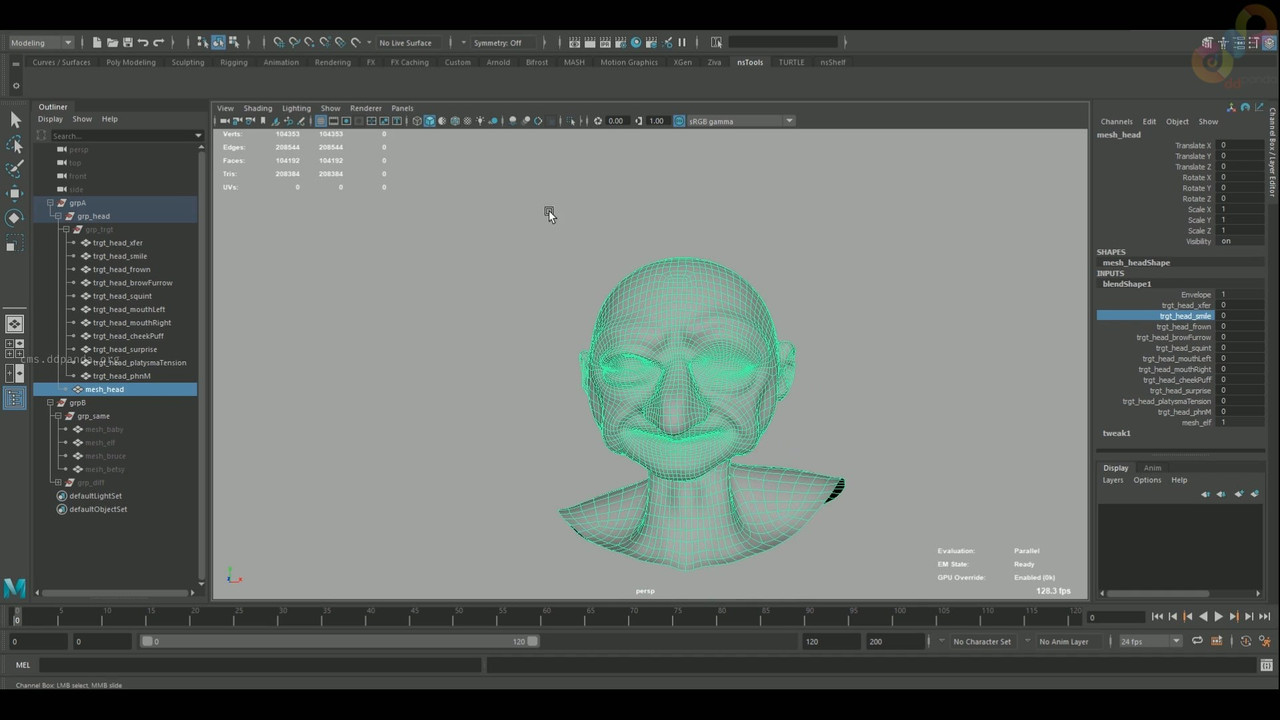
Download Links
Password: cms.ddpanda.org
Could not retrieve data for: <a href="https://krakenfiles.com/view/LKycnMErwG/file.html" target="_blank" rel="noopener noreferrer nofollow">https://krakenfiles.com/view/LKycnMErwG/file.html</a>
Related Courses & Lessons
Keep learning from this topic

Pro Tsunami Simulation | Houdini Tutorial
This is a large-scale tsunami scene tutorial in Houdini, a comprehensive big case with a lot of FX elements. It...

Mastering Ocean Simulations in Houdini
Ocean simulations are incredibly complex and technical tasks which require years of trial and error, thousands of hours of simulations,...

Stylized Game Asset Course. Blender & Substance Painter 2026
Learn to make a Stylized Axe, Game-Ready workflow in Blender and Substance Painter, Modeling, sculpting and texturing.

Grooming: Pelos com Xgen Interactive no Maya
Grooming is a digital art production stage that develops the type and appearance of characters' hair, fur and feathers. To...

Advanced Rigging with De Boors Algorithm in Maya
We’re excited to help you master De Boor’s algorithm and its applications in rigging for Maya!

City flooding. Houdini.
In this lesson we will learn the fluid simulation in Houdini, using, as an example, the city flooding scene.